
Prepare for and manage a crisis
Find the crisis guide, emergency contacts and active cells.
Access: organization administrator. Subject to enabled modules and your plan.
Access
The crisis workspace is restricted to organization administrators. Use the command palette to open Crisis management if it is not directly visible in the menu.
Prepare the response
- Open Crisis.
- Review Guide to prepare response steps.
- Check Emergency contacts and keep them current.
- Review Active cells to find events already being coordinated.
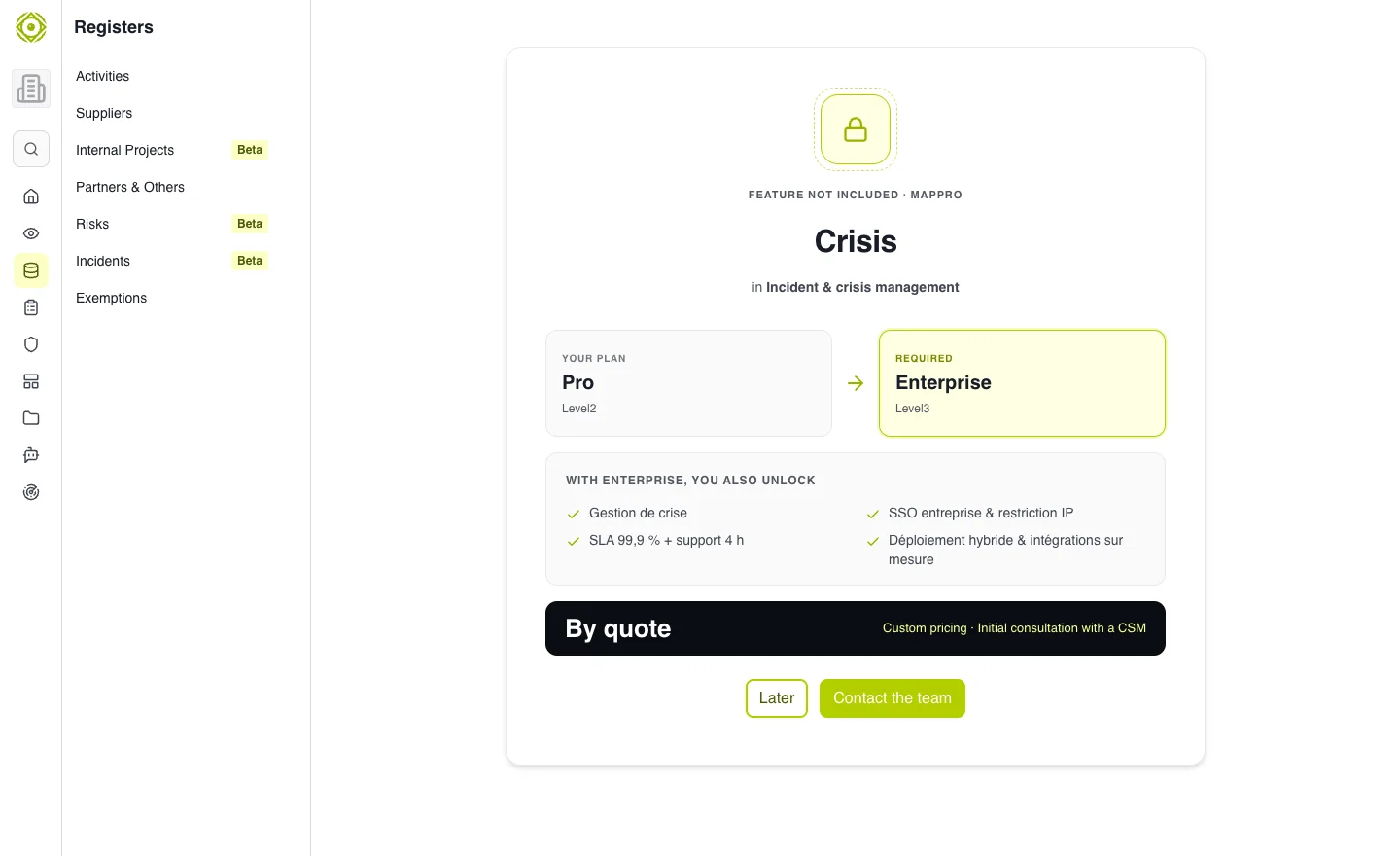
The workspace combines preparation, contacts and active cells. · Open full-size screenshot
During an event
Start from the relevant incident and open its crisis cell when active. Use the workspace to follow coordination and record the information offered. Keep incident status aligned with the situation.
Expected outcome
Authorized participants can find contacts, context and coordination information. The incident record retains its connection to the crisis.
Common difficulties
If the workspace does not open, check your administrator role. If a cell already exists, open it from the incident rather than maintaining a parallel event record. Your organization’s communication obligations still need to be determined by the responsible people.