
Manage governance documents
Use the catalogue, prepare required documents and track your documents.
Access: organization administrator. Subject to enabled modules and your plan.
Browse documents
Open Compliance → Documents. The workspace separates your documents, documents to produce, the template catalogue and settings available to your account.
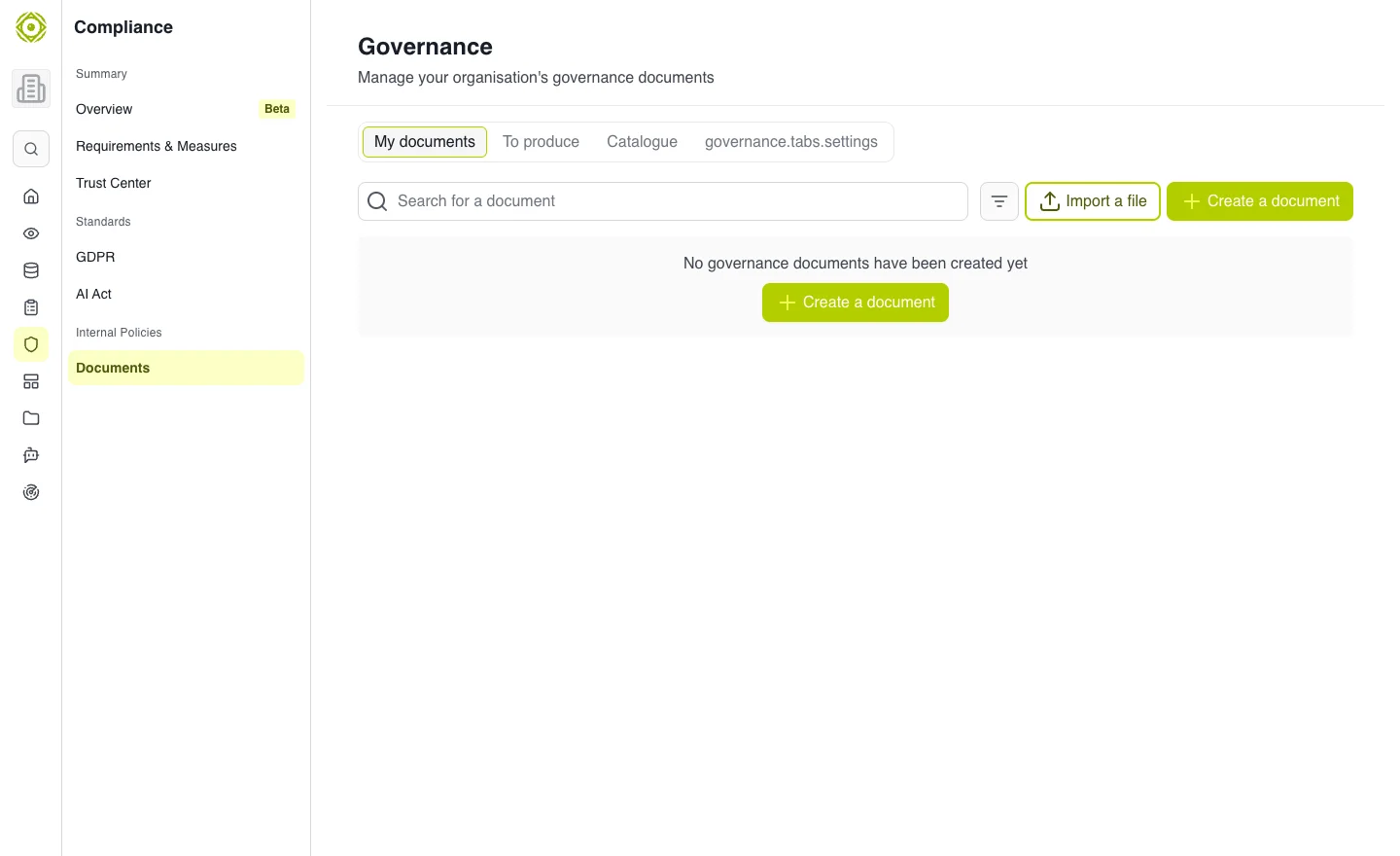
The catalogue helps you start a document suited to an identified need. · Open full-size screenshot
Create or import
- Review required documents or the catalogue to find a suitable template.
- Start creation and complete the offered information.
- Open the created document to adapt its content to your organization.
- Use import if you already have a document to bring into the workspace.
- Review and save information before sharing.
Configure the scope
Governance settings determine what is proposed to your organization. Changing them requires appropriate administrative access. Check the effects before applying a change.
Expected outcome
Your organization’s documents reflect its context rather than an unadapted template. A governance document and assessment evidence may be related in your process, but their permissions and tracking still need separate checks.
Common difficulties
If a template is missing, check filters, language and scope. If editing is unavailable, check access. To share files, see Files and classification.