
Report and track an incident
Qualify an event, track its timeline and manage communication.
Access: organization administrator. Beta feature, subject to enabled modules and your plan.
Prerequisites and access
Incident management depends on module activation and account permissions. Governance operations on incidents are restricted to organization administrators.
Report an incident
- Open Registers → Incidents, then Report an incident.
- Complete Qualification, Context and Communication.
- Describe observed facts and choose the appropriate category and severity.
- Link the vendor or affected assets when offered.
- Check recipients and visibility before finishing.
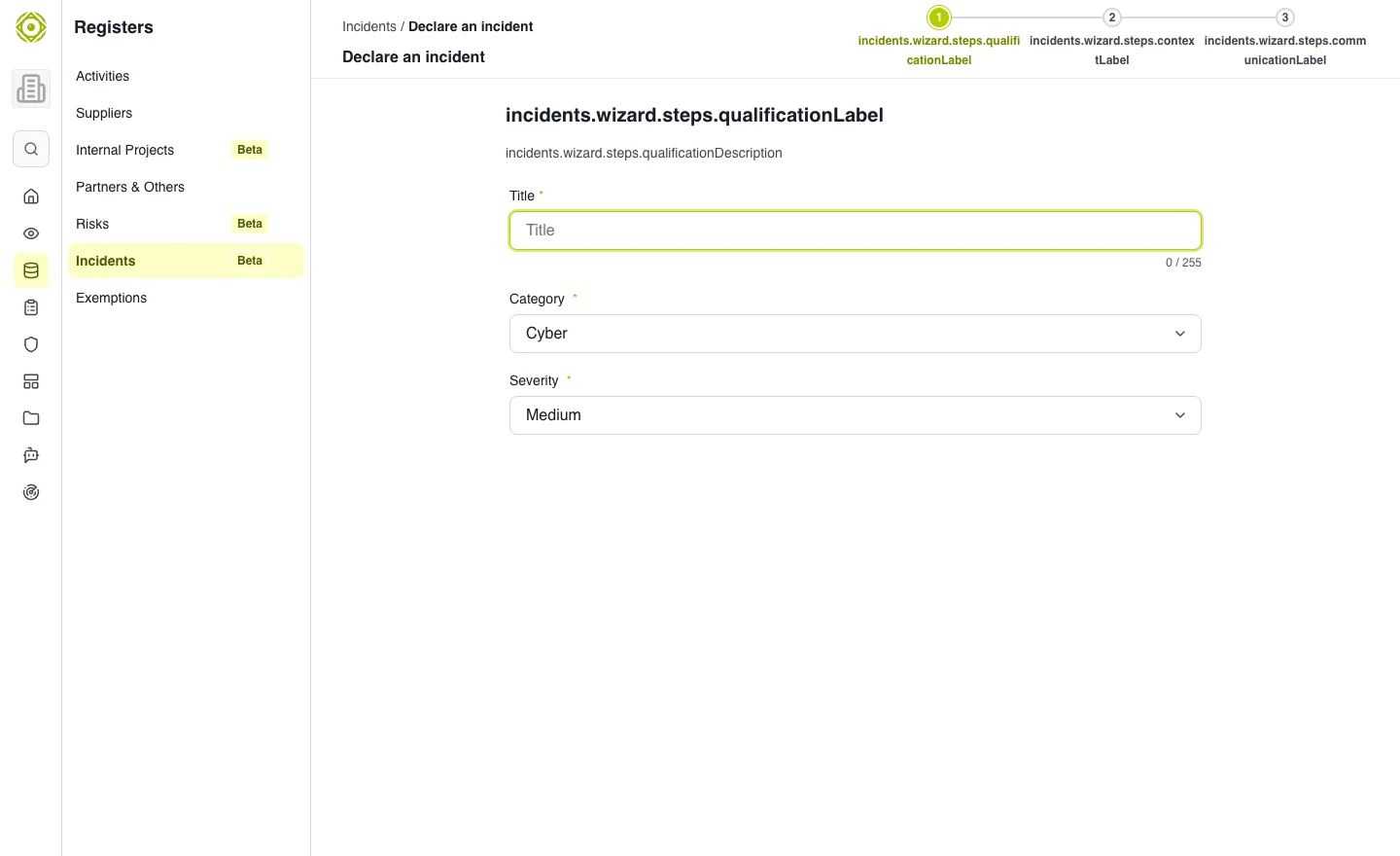
Qualification comes before context and communication choices. · Open full-size screenshot
Track the incident
The register separates My incidents and Incidents reported. Open the record to update status and review the Event log. Distinguish the internal description from the public description, shown to clients only when the incident is propagated.
Escalation and closure
When a crisis cell is active, the record offers a link to it. An incident escalated to a crisis cannot be deleted: close it and retain traceability. See Crisis management.
Expected outcome
The register and event log reflect facts, decisions and communications. If another session changed the incident, review the refreshed version before continuing your edits.