
Organize tags and custom fields
Define shared classification and extra information for your registers.
Access: organization administrator. Subject to enabled modules and your plan.
Choose the right tool
A tag groups items under a shared label. A custom field adds structured information to a supported object type. Define their purpose before creating them to avoid unnecessary variations.
Manage tags
An administrator opens My company → Tags. Create clear labels, then apply them to objects offering this classification. Use tag filters to find the desired scope.
Manage custom fields
- Open My company → Custom fields as an administrator.
- Choose the affected object type.
- Create a field with a clear label and an appropriate offered type.
- Save, then open a record of that type to check the field and enter a value.
- Check filters or columns offering the field.
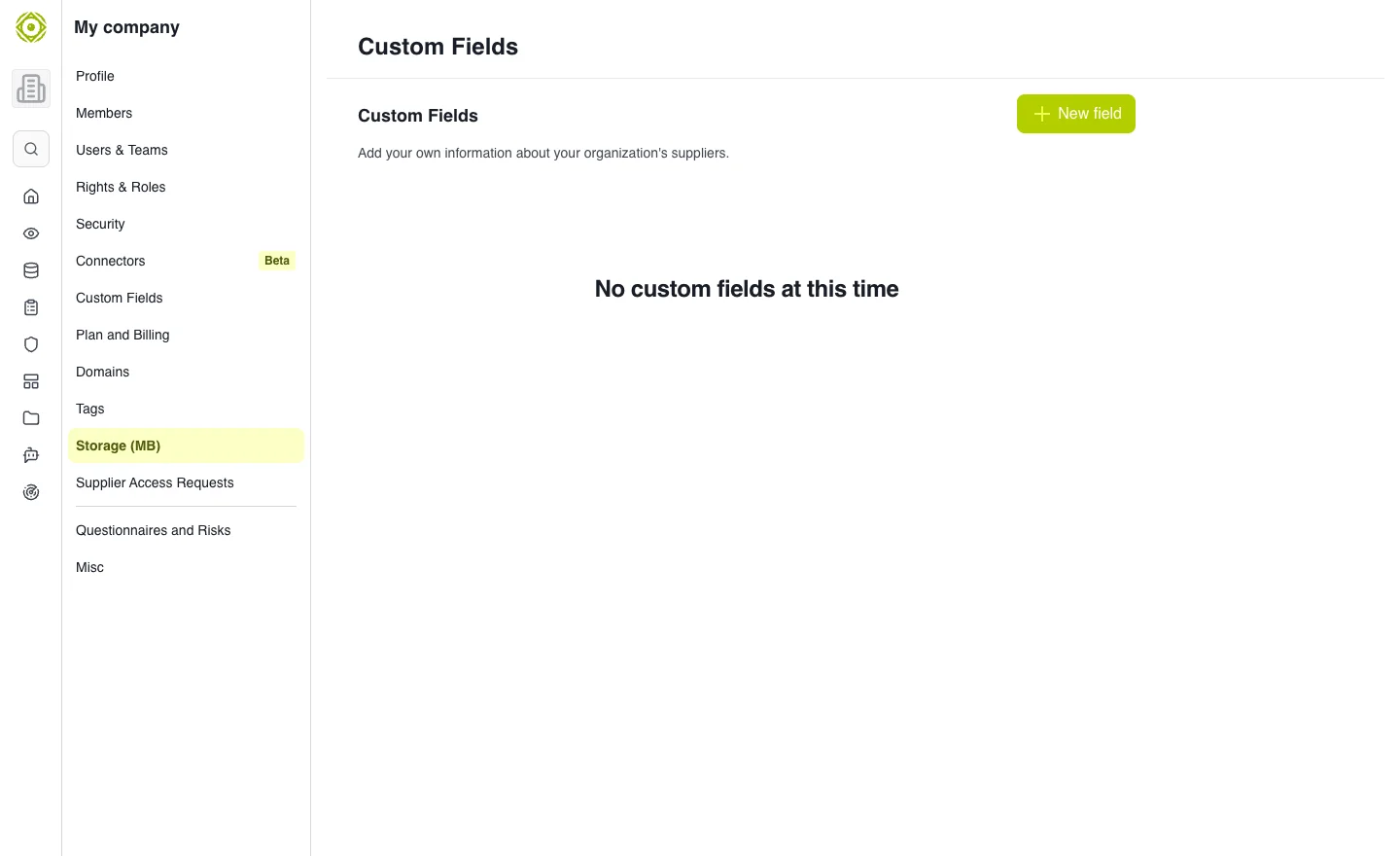
Object type and field type should match the classification need. · Open full-size screenshot
Edit or delete
Before deleting a tag or field, identify its use in records and filters. Inform affected users and check views after changes.
Expected outcome
Members use shared terminology and comparable data. Technologies, when offered in organization settings, complement classification for the relevant objects.