
Ask AI chat about your documents
Choose an organization and ask about documents accessible to your account.
Access: member. Beta feature, subject to enabled modules and your plan.
Prerequisites
AI Chat must be included in your plan. Your account needs access to documents in the selected organization. If none are accessible, upload files or request sharing before creating a conversation.
Start a conversation
- Open AI Chat.
- Select New conversation.
- Choose the organization whose documents you want to ask about.
- Add a description if useful and create the conversation.
- Ask a precise question about available documents.
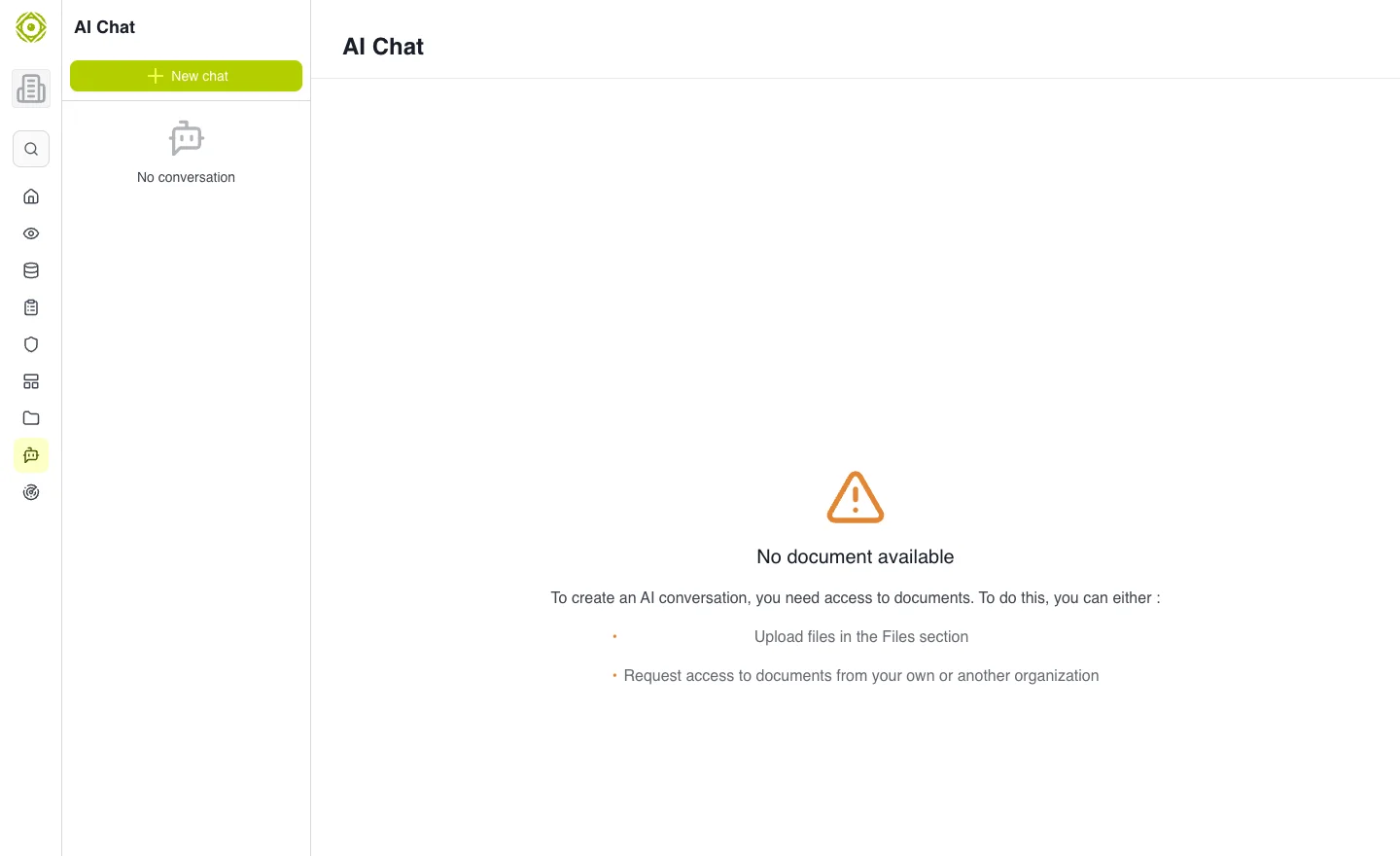
Document access determines whether a conversation can be created and used effectively. · Open full-size screenshot
Ask clearly
Specify the document or topic, context and expected result. For example: “In our access policy, which steps cover reviewing external accounts?” Review cited information before reusing the answer.
What chat reads
Chat answers from the selected organization’s documents. It does not read live vendor, risk or incident register data. For current information, open the relevant registers.
Expected outcome
You receive help reading your documents. Verify important information against its source. This product chat is separate from Markdown documentation access, which requires no CISAPP AI service.