
Configure scopes and analyses
Declare a scope, verify ownership and track discovered assets.
Access: tool creation. Subject to enabled modules and your plan.
Prerequisites
Advanced functionality must be included and enabled. Tool-creation permission is required. Prepare a scope your organization is authorized to monitor.
Add a scope
- Open Operational Safety → Scopes, then New scope.
- Choose an offered type: domain, CIDR range or FQDN list.
- Enter the requested information and check the scope before confirming.
- Follow the displayed ownership verification procedure. CIDR ranges require manual verification.
- Open scope details and launch the offered analysis once required checks are complete.
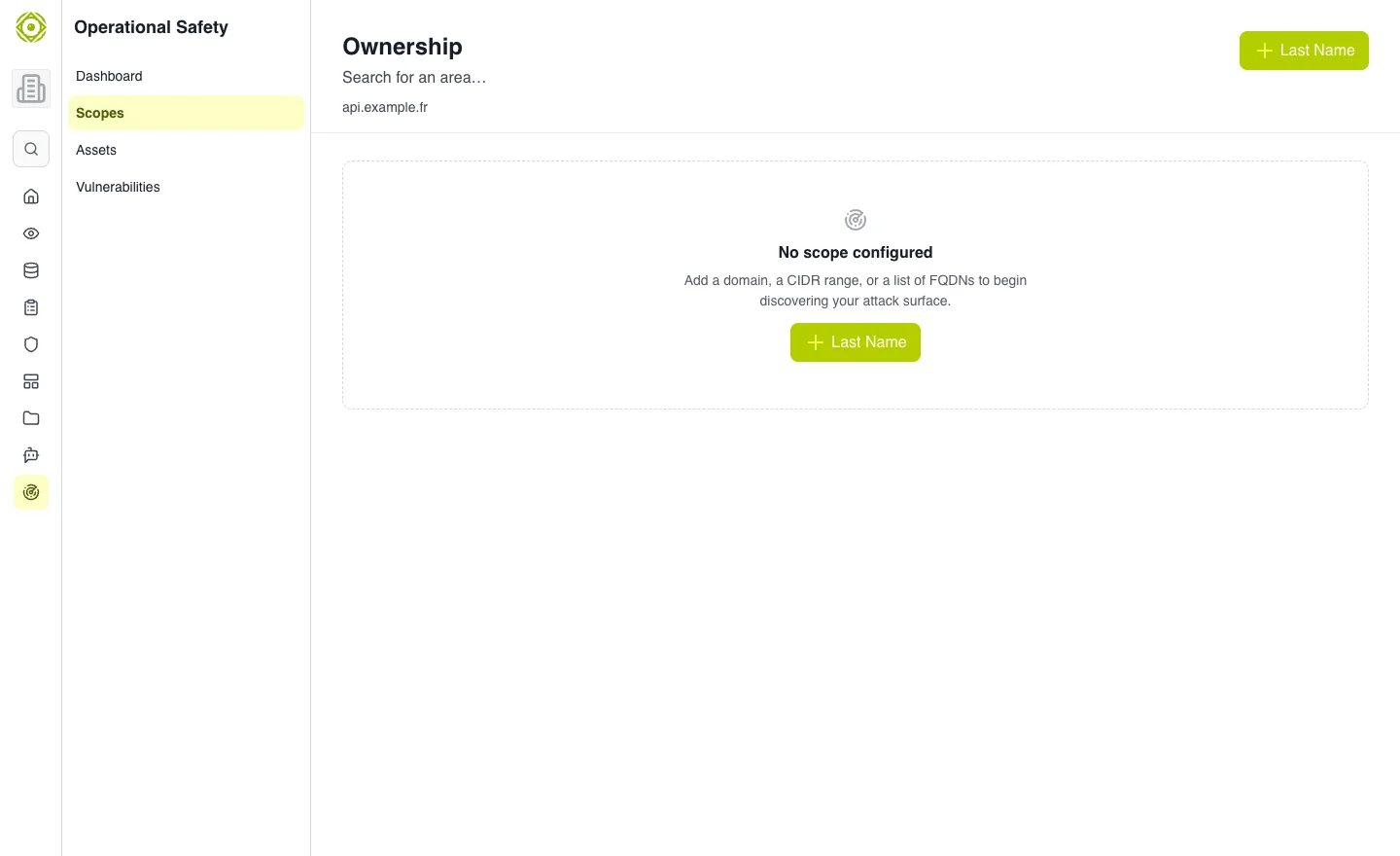
Verification comes before active checks that require it. · Open full-size screenshot
Review assets and findings
Use Assets for discovered items and Findings for detected issues. Filter by severity, category and status. Open a result to examine the offered information and recommendations.
Scope discovery and tool analyses on assets follow separate schedules. Check the relevant last-run date before interpreting a result.
Limits and stopping
When the asset limit is reached, some newly discovered assets cannot be recorded. Review the quota message. Stopping or deleting scope monitoring does not mean all historical assets and findings are erased.
Expected outcome
The declared scope matches the need, verification is tracked and results are reviewed. No scan is required to consult this documentation.