
Explore the dependency map
Connect activities and vendors to understand failure impacts.
Access: member. Beta feature, subject to enabled modules and your plan.
Prepare the data
The map uses activities and their vendor relationships. Create business activities and link supporting vendors first. Without relationships, the map can be empty even when vendors exist in the register.
Explore the map
- Open Steering → Map of outbuildings.
- Find activities and the subjects they depend on.
- Use the offered filters and presentation options.
- Open accessible details to examine important relationships.
- Consider this alongside criticality and identified risks.
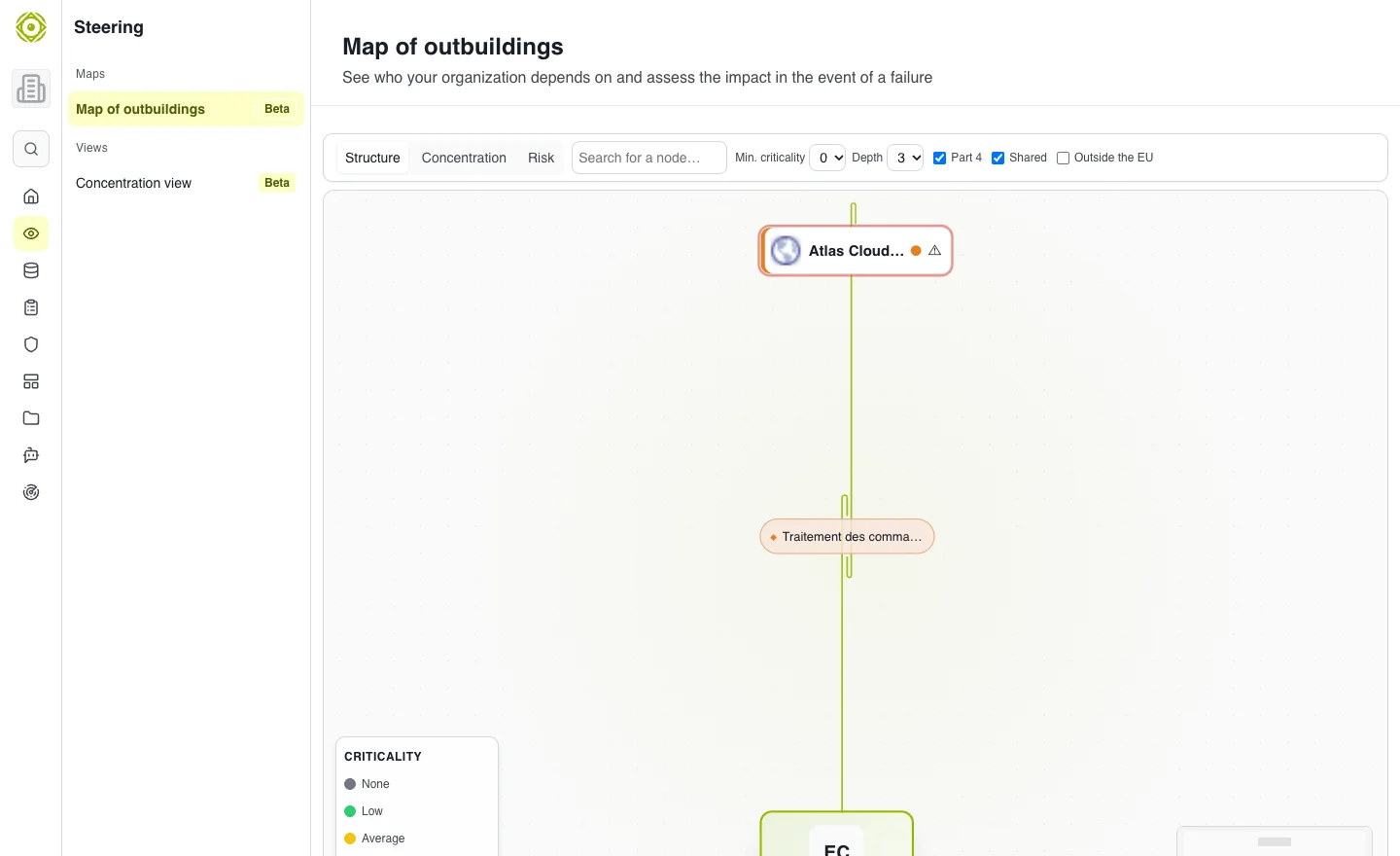
A relationship missing from the registers cannot be inferred by the map. · Open full-size screenshot
Expected outcome
You can identify activities affected by vendor unavailability and prepare questions for review.
Empty or incomplete map
Check relationships in activity records, filters and permissions. An isolated vendor may indicate a missing link; it is not proof that the vendor has no business impact.
To find shared dependencies, see Concentration.