
Read dependency concentration
Identify shared vendors and exposed activities.
Access: member. Beta feature, subject to enabled modules and your plan.
Purpose
Concentration helps examine dependencies shared by multiple activities. It complements the map without replacing review of source data.
Perform the review
- Open Steering → Concentration view.
- Check the offered scope and filters.
- Find vendors and subjects used by multiple activities.
- Open linked items to understand criticality and documented fallback options.
- Identify dependencies to discuss with business owners.
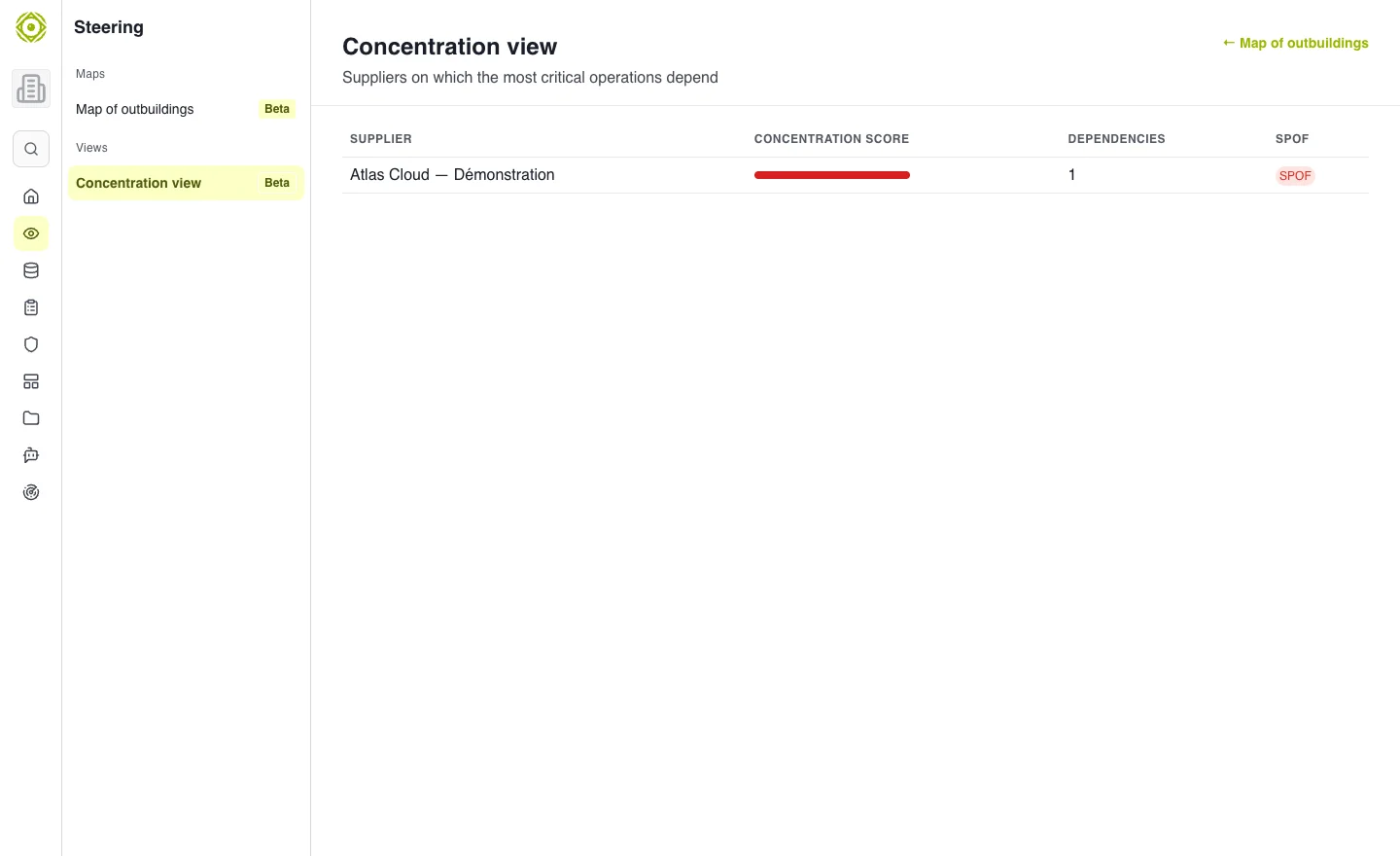
The view depends on relationships recorded in activities. · Open full-size screenshot
Interpret results
High concentration is a signal to investigate, not an automatic decision. Check actual alternatives, replacement constraints and risks already tracked. An activity without recorded links should not be treated as dependency-free.
Expected outcome
You have a list of dependencies and affected activities to examine in committee. Record decisions in risks or projects.
If the view seems inconsistent, start by checking the dependency map and activity records.