
Set up your profile and notifications
Choose your language, appearance and personal preferences.
Access: member.
Access your profile
Open your user menu, then My profile. Personal settings apply to your account; they do not replace organization settings.
Language and appearance
Under Paramètres, choose an offered language and light, dark or system appearance. Application language is independent of this documentation site’s language.
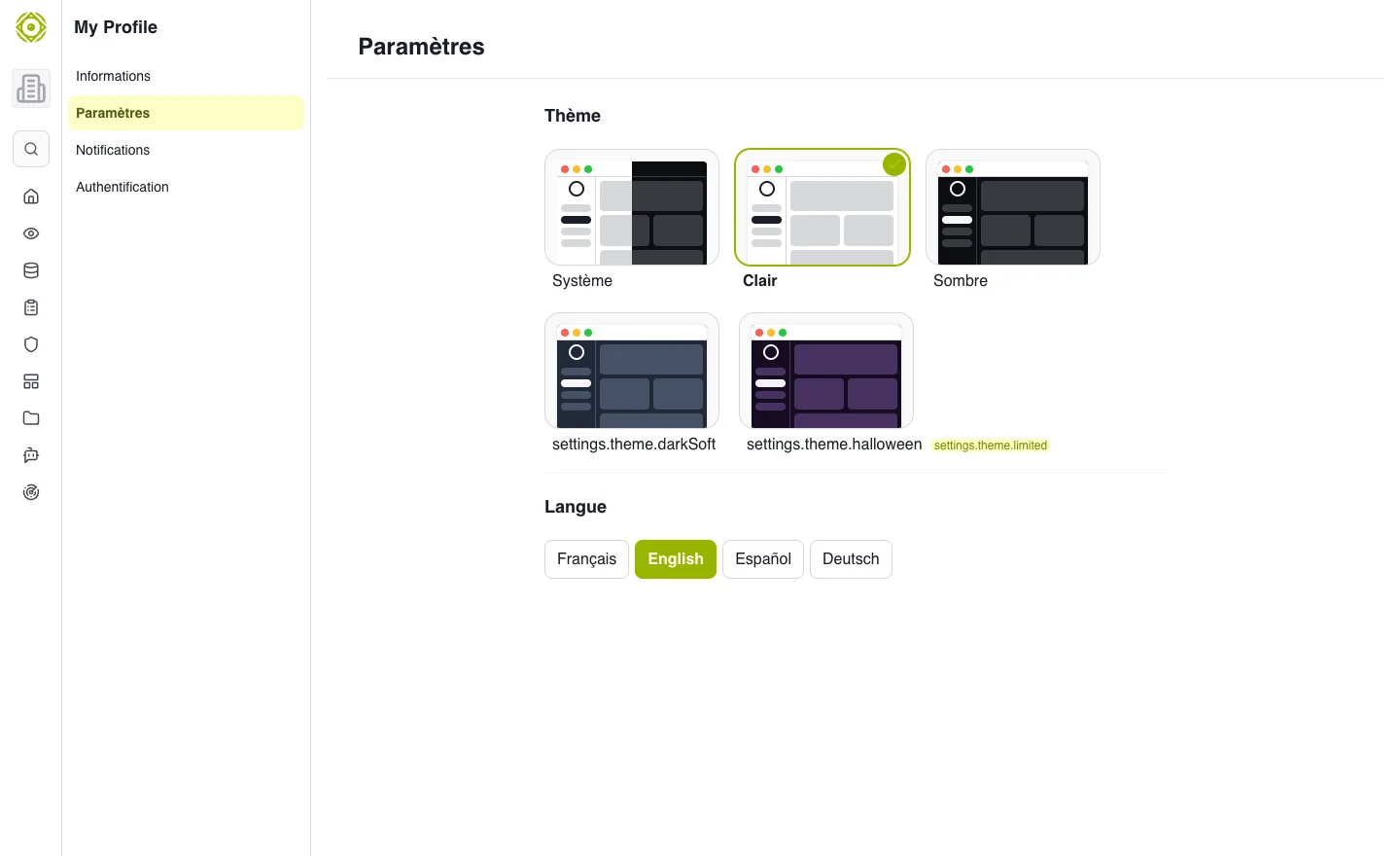
Personal preferences adapt your workspace. · Open full-size screenshot
Personal information
Open personal information to check displayed contact details. Save changes and verify the result.
Notifications
Under Notifications, review available preferences and events relevant to you. In-app notifications remain accessible from their dedicated entry. An assessment notification may open an object that also requires access permissions.
Authentication
Use Authentification to review methods and security options offered to your account. Follow verification steps when required. For SSO-managed accounts, some operations belong to the organization’s identity provider.
Expected outcome
Your language, appearance and preferences meet your needs. If an expected message is missing, also check the account email and spam folder.