
Track requirements and controls
Organize frameworks, update controls and export the SoA.
Access: member. Beta feature, subject to enabled modules and your plan.
Prerequisites
A compliance workspace must exist and be accessible to your account. Editing actions depend on your permissions.
Work in the shared workspace
- Open Compliance → Requirements & Measures.
- Select the framework and scope offered by the interface.
- Use filters to find requirements or controls needing work.
- Open an item and check applicability, status and expected information.
- Complete tracking information and the offered evidence, then save.
- Return to the overview to review coverage.
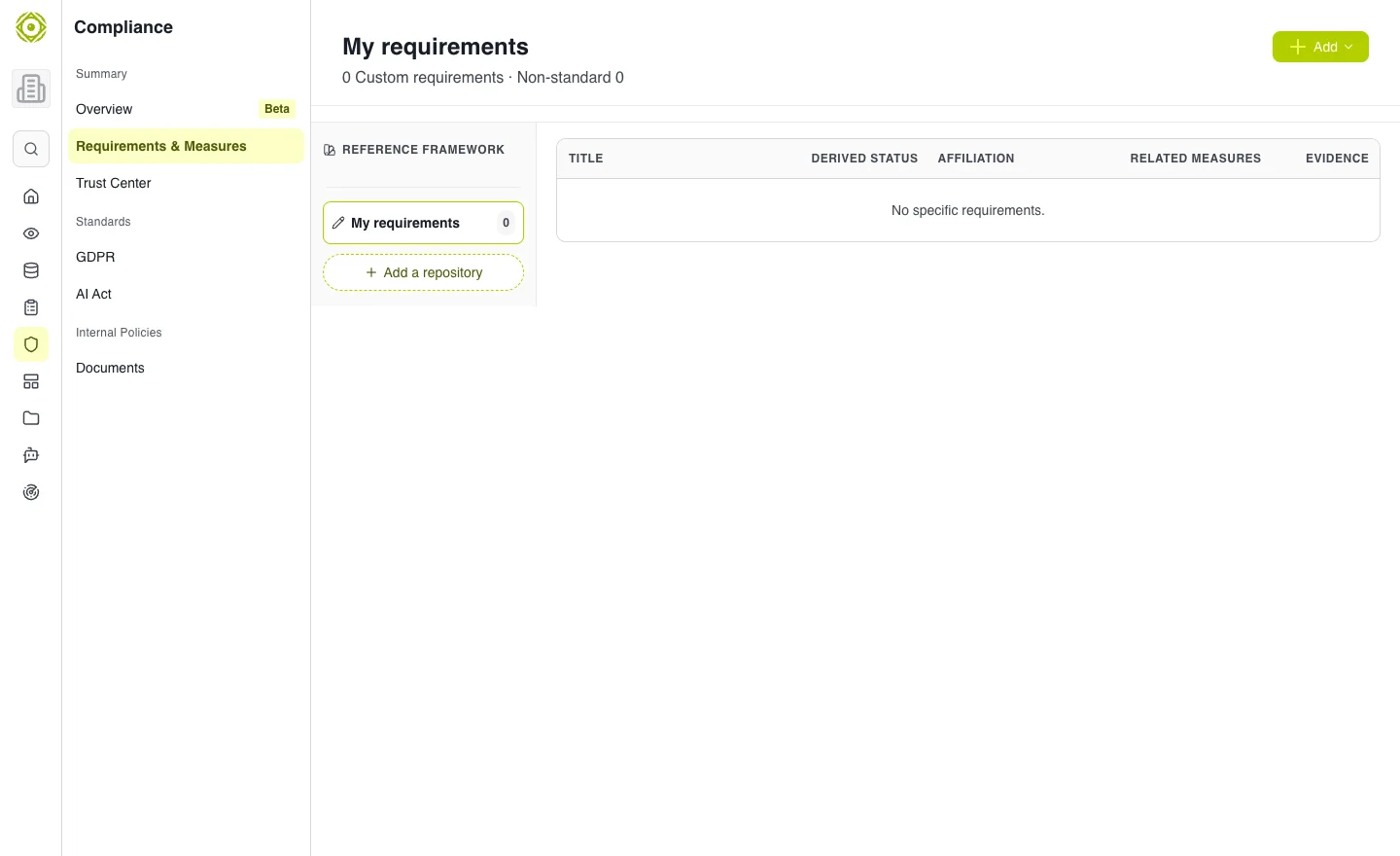
The shared workspace brings together requirements and controls tracking. · Open full-size screenshot
Requirement, control and evidence
A requirement describes what is expected. A control describes what is implemented. Evidence supports the recorded state. Keep these levels consistent: adding a document does not automatically mean a control is implemented.
Export the SoA
Use Export the SoA when available. Check the framework, scope and export contents before sharing. An export represents a point in time.
Common difficulties
- No workspace: return to the overview to create one.
- Missing item: check filters and the selected framework.
- Editing unavailable: request the necessary scope permissions.
- Inaccessible evidence: check file permissions separately from access to the requirement.
Expected outcome
The requirement and related controls have up-to-date tracking, with evidence accessible to authorized reviewers.