
Identify and assess a risk
Create a scenario, link the scope and assess the risk level.
Access: member. Beta feature, subject to enabled modules and your plan.
Prerequisites
The register must be enabled for your organization. Prepare the scenario, affected entities and the methodology selected in organization settings.
Create a risk
- Open Registers → Risks, then New risk.
- At Context, enter a title, description and category.
- At Scope, link the offered entities: vendor, activity, asset or team.
- Describe the scenario, threat and vulnerability in the offered fields.
- Assess likelihood and impact using your organization’s methodology.
- Add an owner and treatment deadline if known, then finish.
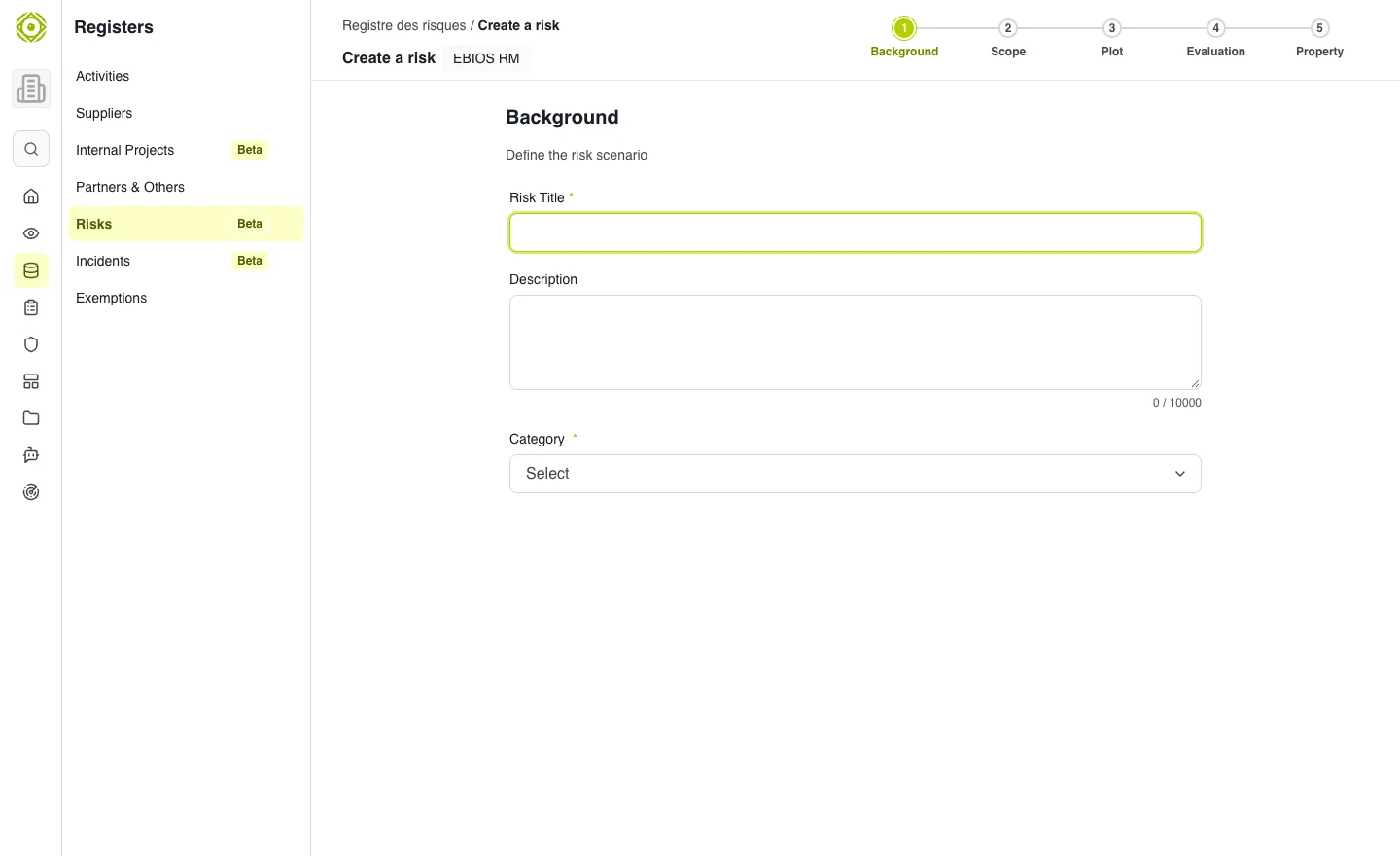
Describe a concrete scenario before assigning a level. · Open full-size screenshot
Read the register
Search for a title and combine Status, Criticality and Entity filters. The Risk matrix represents levels by likelihood and impact. Inherent risk describes risk before treatment; residual risk describes what remains after treatment.
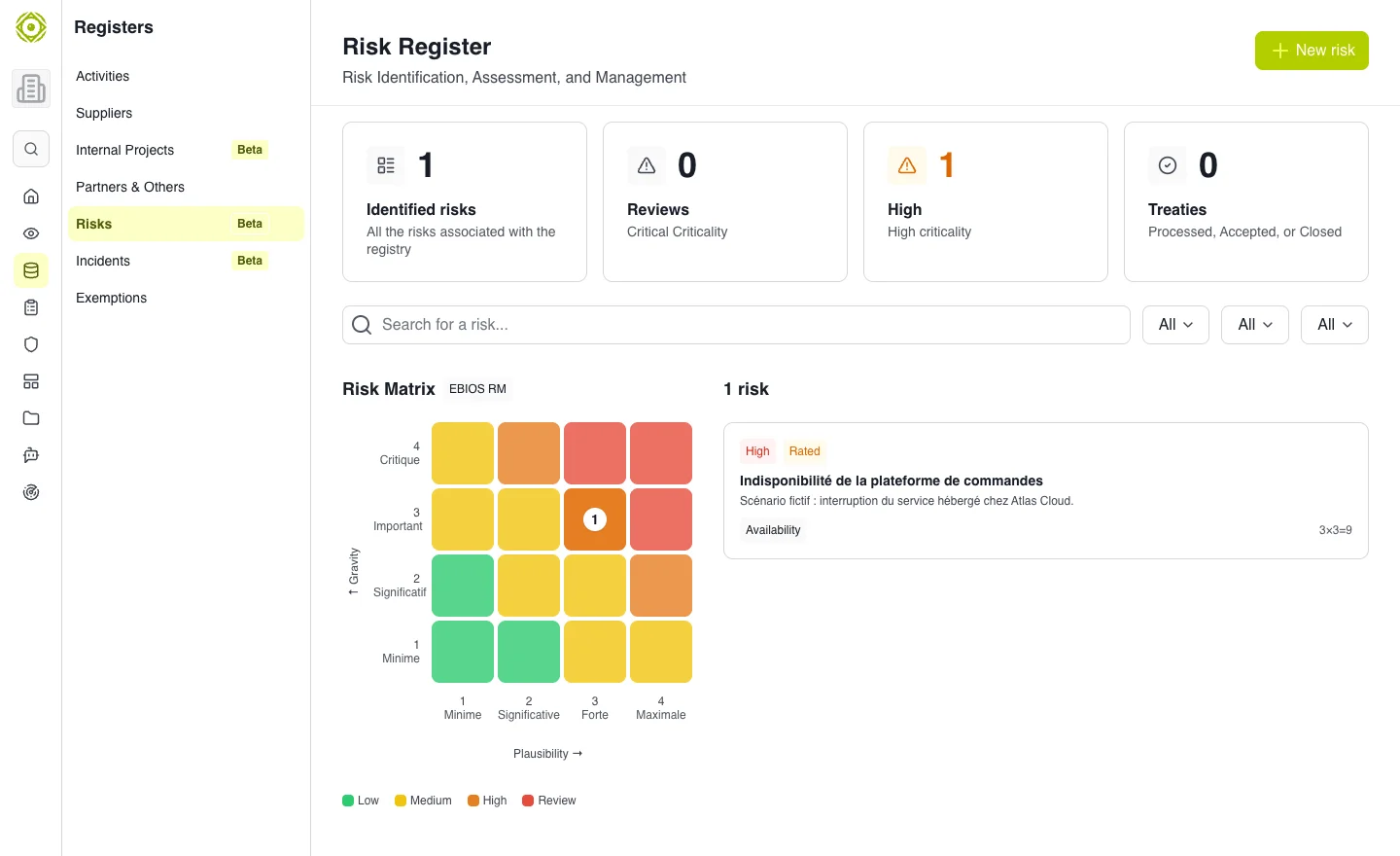
Filters help prepare a review of priority risks. · Open full-size screenshot
Expected outcome
The risk appears in the register with an understandable scenario. Check its status: if creation succeeded but assessment failed, open the existing risk to complete its assessment rather than creating a duplicate.
Continue with Track treatment.