
Sign in and activate your account
Activate an invitation, use a password or SSO and resolve sign-in issues.
Access: member.
Prerequisites
Use the exact email address your organization invited. For your first visit, open the activation link received by email and complete the displayed steps: set a password, enter personal information and accept the documents presented.
Sign in
- Open the CISAPP application.
- Enter your email address, then select Continue.
- Use a method offered for your account: password, Google, Microsoft or your organization’s identity provider.
- Complete any additional verification before leaving the screen.
- Check that you reach your CISAPP workspace.
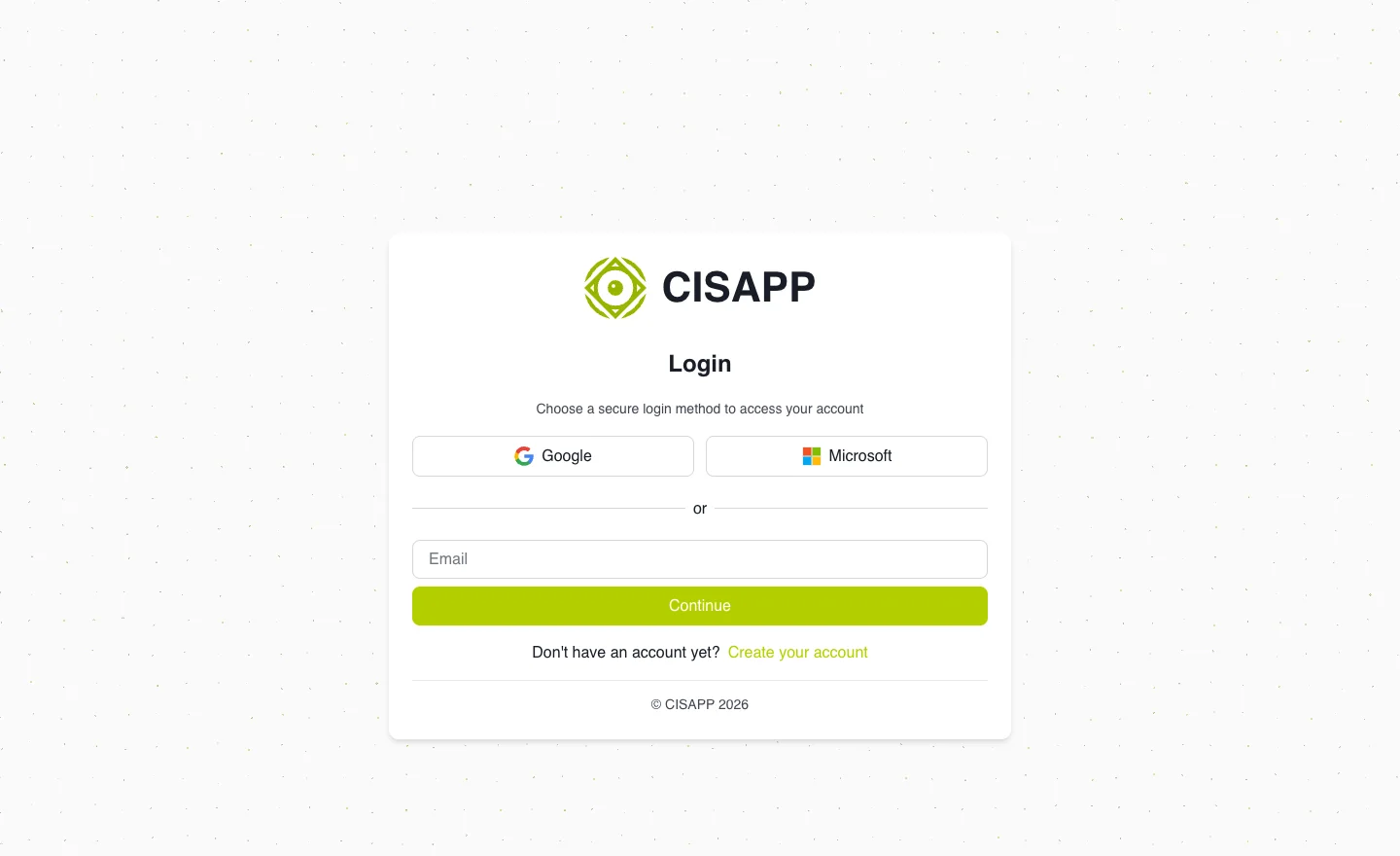
The first step identifies your account before offering the available sign-in methods. · Open full-size screenshot
Pending invitation or authorization
An account can be activated while authorization to join the organization is still pending. If authorization is pending, contact an organization administrator. Creating another account with a different address does not resolve it.
If the invitation link has expired or been revoked, ask your administrator to resend it from My company → Members.
Forgotten password
Use password recovery from the sign-in screen and check your spam folder. Accounts using SSO only must follow their identity provider’s recovery process.
Expected outcome
You are signed into the correct organization. To change your language or authentication preferences, see My profile.