
Describe business activities
Create an activity, qualify its criticality and link its vendors.
Access: activity creation. Subject to enabled modules and your plan.
A business activity describes a process your organization wants to track, such as “Order processing”. It links vendors to a business need.
Prerequisites
Activity-creation permission is required to add an activity. Prepare its description, owner and supporting vendors.
Create an activity
- Open Registers → Business activities and select Create activity.
- Enter the name and requested context.
- Qualify criticality at the dedicated step.
- Select the supporting vendors. Missing relationships will not appear on the dependency map.
- Check the offered access settings and finish creation.
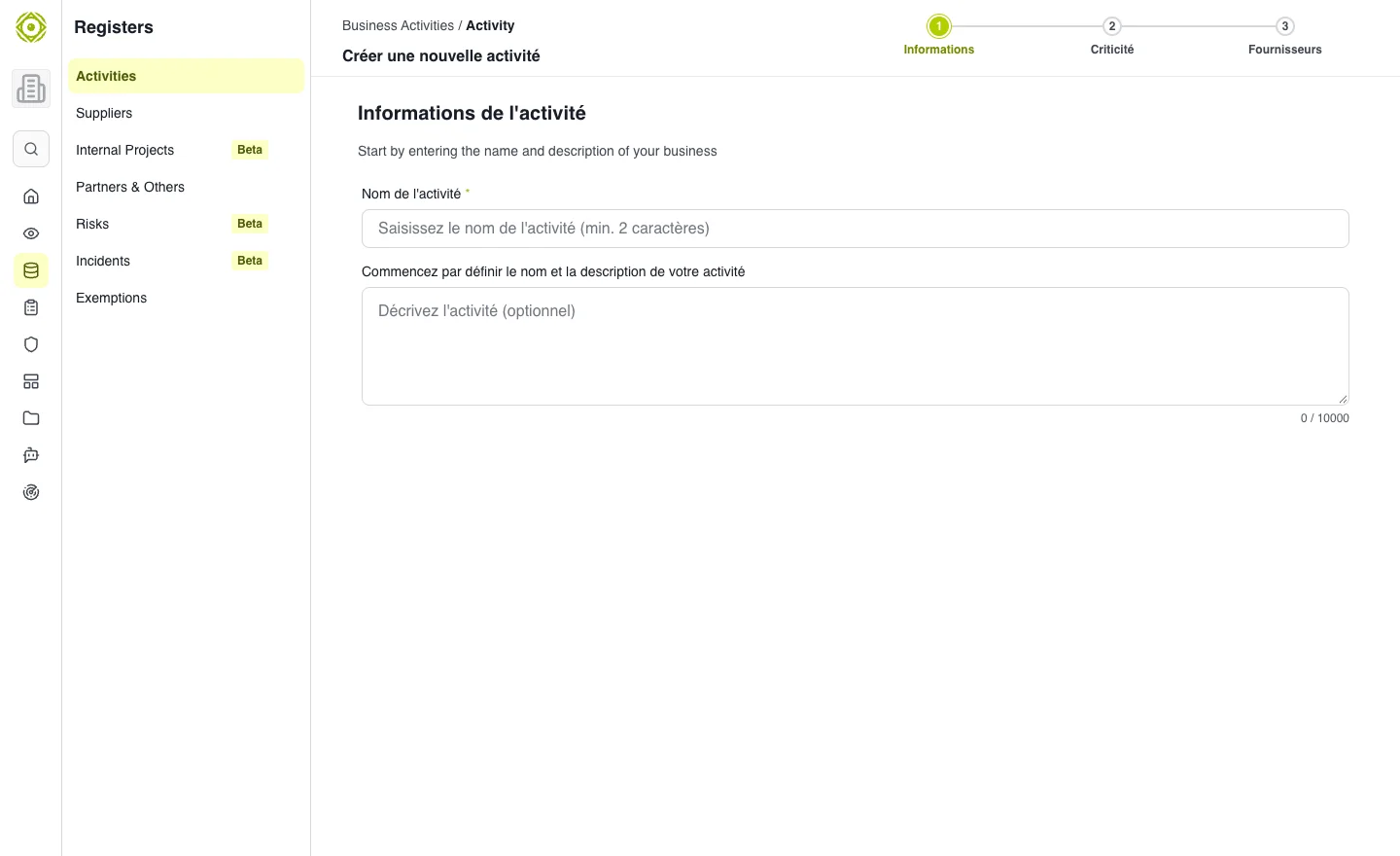
The wizard starts by identifying the business process being tracked. · Open full-size screenshot
Keep the activity up to date
Open its record from the register to review information and relationships. When a vendor changes, also update the activities it supports. An Business Criticality assessment can qualify a scope using a questionnaire.
Expected outcome
The activity exists in the register and its dependencies can support reporting.
Distinguish the concepts
Business activities and GDPR processing activities serve different purposes. To describe personal-data processing, use the GDPR register.