
Choose an assessment type
Distinguish vendor, application, project, criticality, audit and tender assessments.
Access: assessment creation. Subject to enabled modules and your plan.
An assessment brings together a scope, one or more questionnaires and the access needed to work on them.
Which workspace should you use?
| Type | Use it to |
|---|---|
| Vendor assessments | Examine a vendor’s compliance or posture. |
| Application assessments | Examine an application from the Applications register. |
| Project assessments | Examine a project from the Projects register, for example before its launch decision. |
| Activity criticality | Qualify the importance of a business activity. |
| Compliance audits | Assess an internal scope and a framework. |
| Tenders | Compare vendors using a common questionnaire. |
Prepare the assessment
- Identify the subject and the result you need.
- Check that the subject exists in its register and is accessible to you.
- Choose a questionnaire suited to the decision.
- Identify who needs to complete or read responses.
- Open the relevant type from Reviews.
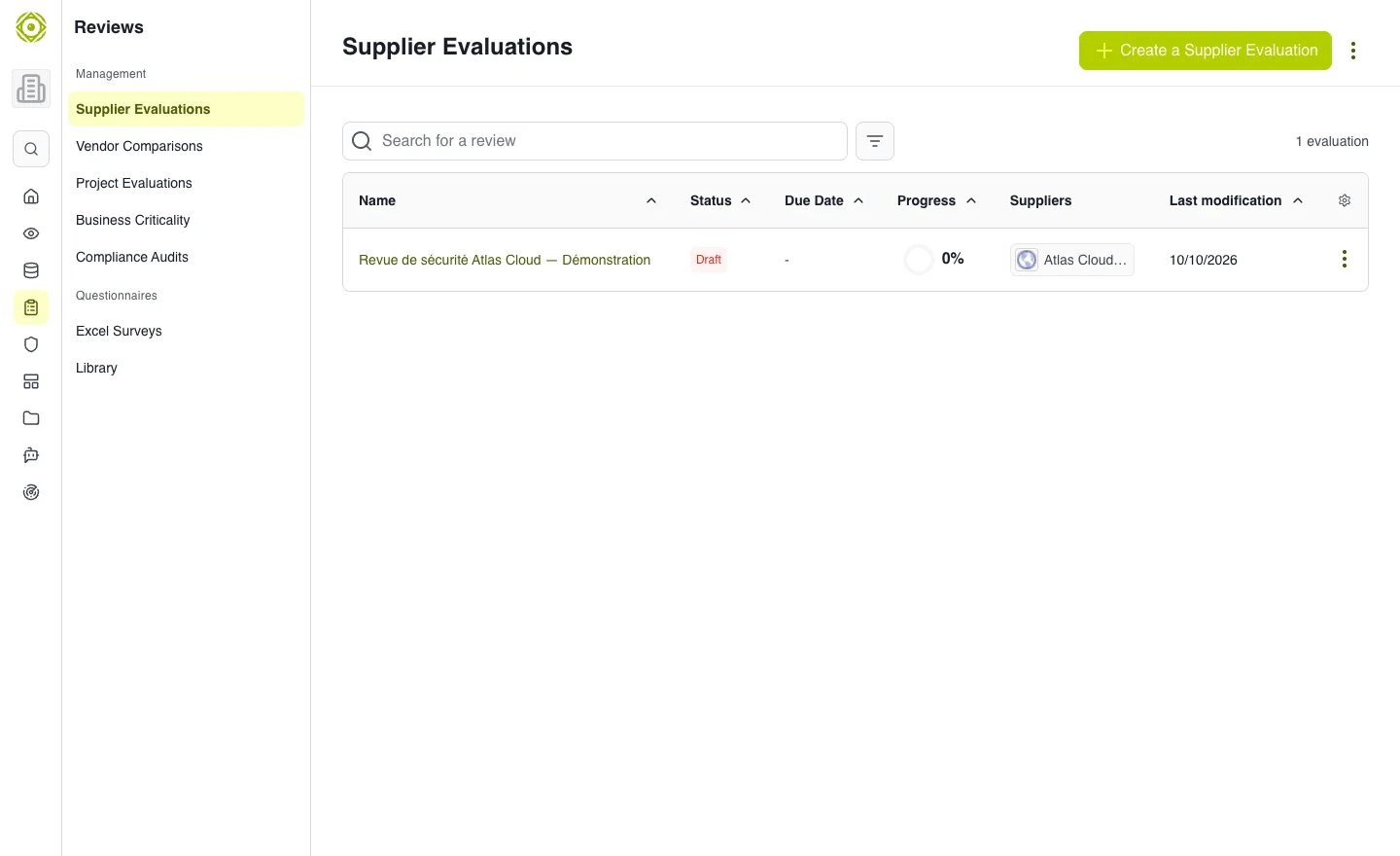
Each type has its own list and creation wizard. · Open full-size screenshot
Permissions and availability
Creating assessments requires the corresponding permission. Tenders depend on vendor-comparison activation. Campaigns is currently under construction; it does not replace type-specific lists or response links received by email.
Expected outcome
The scope and questionnaire match the selected type. See Assess a vendor, Audits and projects or Compare vendors.